

Hello, everyone.
This is Enta.
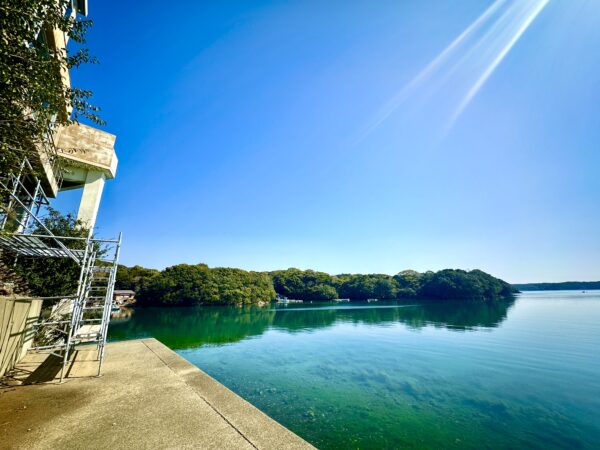
What do you think of this photo? lol
This is the scene here lol
As long as the weather's good, it's the best place to work!
I think our technical intern from Nepal will be really happy.
I guess since I'm from a landlocked country, the ocean is a real treat for me ^^
I'm thinking of taking them to the beach this summer, lol.
But that's beside the point.
The other day, I was designing temporary ground anchors.
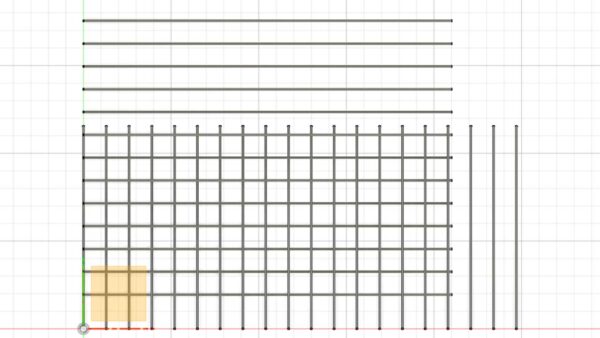
At an L-shaped construction site, when viewed from above, the lines cross like this.
And since the pitch is narrow, a group effect occurs, so either skip the pitch, or
Should we change the angle between the adjacent ones?
Instead of figuring it out step by step while looking at floor plans, we use 3D CAD these days!!
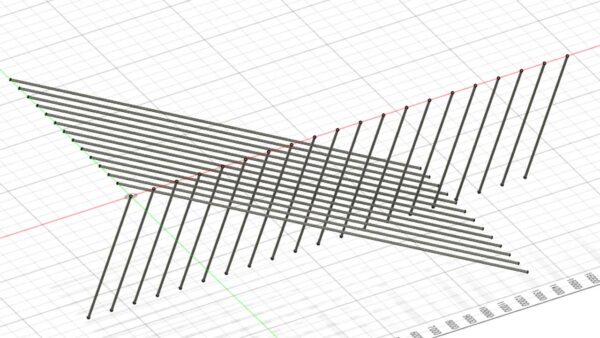
If I write it out in broad strokes, where would the conflicts arise?
By how much should each angle be adjusted?
I think about that while twirling it around and around.
In the past, I would have had to rack my brain and grumble “Hmm…” while trying to figure it out, but now I can easily assign tasks like this.
It's relatively easy to determine the location of the interference, and you can clearly see exactly how it interferes underground.
You can clearly see areas you couldn't see before!
While it’s important to think things through these days, there are also aspects of life where it’s okay not to overthink things.
Let's make good use of tools like these to make our work a little easier.
This is what construction DX is all about, but does that mean our workload is increasing too!?... (Is that a good thing or a bad thing??)
Don't Go Overboard with Construction DX
See you later.