

Hello, this is Director Jou.
While providing on-site support for civil engineering projects in Hyogo, I also share content on YouTube about the use of ICT at construction sites.
This time, I’m not going to talk about construction methods or equipment; rather, this is a record of my last-ditch efforts.
I couldn't find what I needed on the job, so I ended up making it myself.
Before I knew it, two of my iPhone apps were listed on the App Store.
The reason work comes to a halt on-site is usually because of the "time spent looking things up."
Although this isn't limited to slope work, one of the tasks that surprisingly takes up a lot of time on civil engineering sites is "research."
We've got the measurements for the finished product; now we just need to compare them with the specifications.
However, the very manual I need is sitting on my desk at the office.
I have no choice but to open the PDF on my smartphone, zoom in, and scroll through it, but by the time I finally reach the table I'm looking for, the proceedings have already moved on.
The reference points are the same as well.
When you're in an area for the first time, you start by looking for nearby points of interest.
For someone who knows what they're doing, it's a matter of a few minutes; for someone who doesn't, it's a half-day's work.
I've done this many times.
Neither of these involves the actual installation; they are checks that must be performed before installation begins.
I’ve always thought that if we could get this part of the job done, we could redirect those resources to our core management duties.

"Specification Pocket" — Can be pulled out with one hand while standing
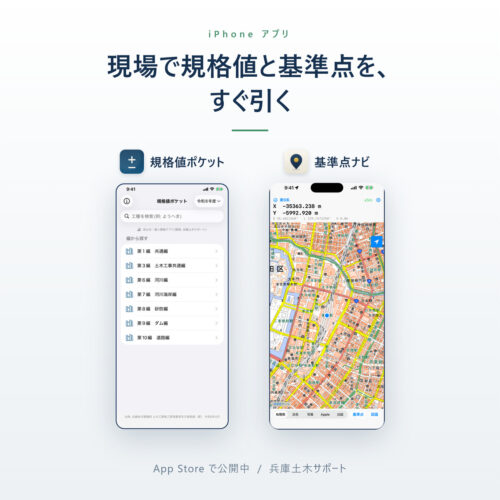
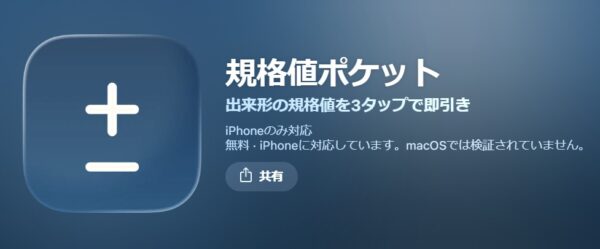
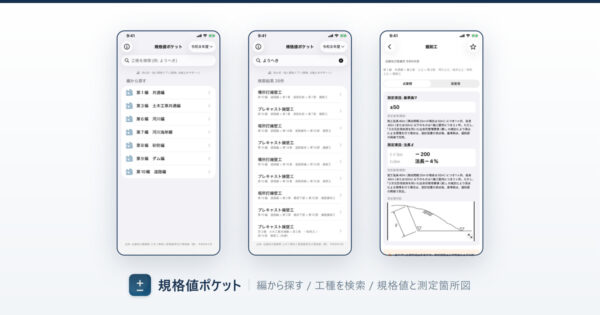
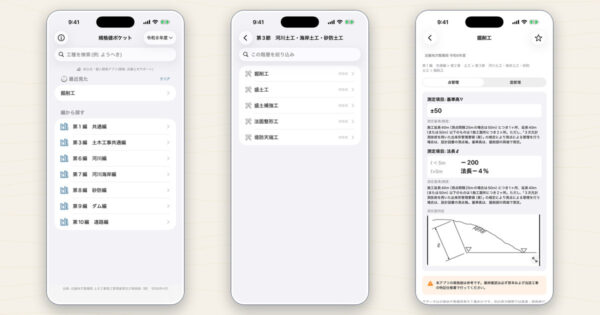
That's why we created the "Specification Values Pocket."
This is an app that lets you look up standard values used in quality control for civil engineering projects right from your iPhone.
It is based on national construction management standards.
There was only one requirement set during the design phase: it had to be pullable with one hand while standing.
The situations in which it is used are also clear.
When you have the measured values on hand and want to compare them with the standard values. Or when you want to have a clear idea of “where and at what points to take measurements” before you start measuring.
It's designed so you can get things done right then and there without having to flip through a thick manual.
"Control Point Navigator" — So You Don't Waste the Whole Morning Looking for Control Points
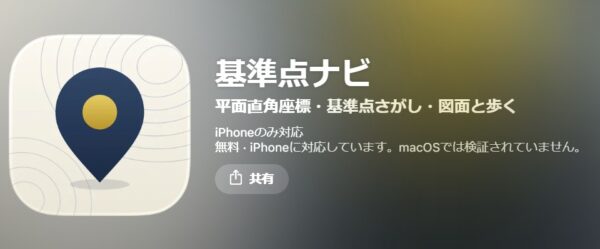
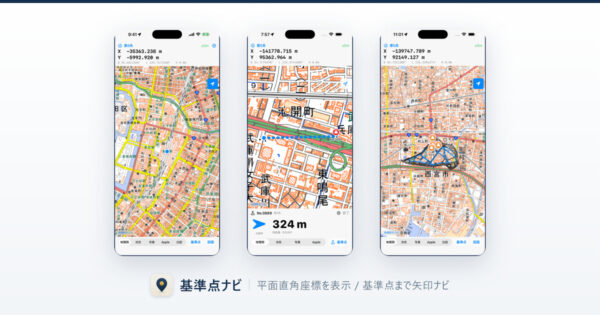
The other app, “Control Point Nav,” is designed to help you locate survey control points in the field.
The goal is simple: to eliminate the situation where you can't figure things out unless you go back to the office.
I made this because I was having trouble with it myself.
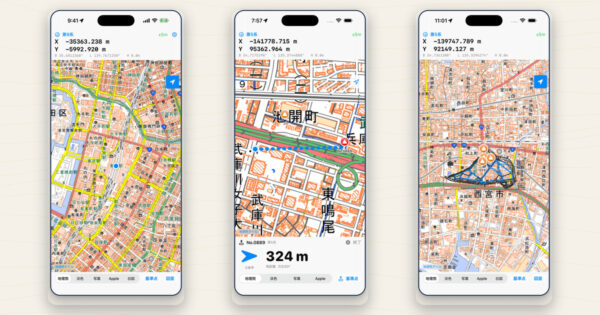
Since videos explain the process faster than text, I've posted an instructional video on the "Director Jou" YouTube channel.
I think it will be easier to understand if you compare it with the screen in front of you.
YouTube "Director Jou" Channel
I made it myself instead of outsourcing it.
I handle everything myself for both of them, from planning to development.
This isn't something we had made by placing an order with someone else.
While program experts might find some rough edges, I think you’ll probably understand the difference—that the priorities for the features were set not by “app developers” but by “people facing real-world challenges”—once you actually use it.
Even something as simple as the button layout was designed with one-handed use in mind.
Both are currently available on the App Store.
You can find them by searching for "Specs Pocket" and "Control Point Nav" by name in the iPhone App Store.
You can also access it via the link above.
If, after trying it out, you notice anything like “This is different” or “This type of work is missing,” please don’t hesitate to let us know.
What people on the ground say is usually more accurate than my own ideas.