

Hello, everyone.
This is Enta.
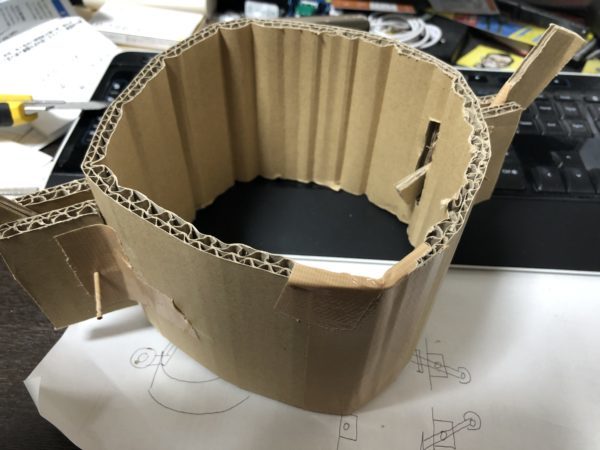
I made this lol
In my case, I always start by making a prototype out of cardboard.
Instead of just quickly sketching out ideas in my head using CAD, making a prototype helps me visualize them more clearly.
Then, after creating a cardboard prototype of the structure I had roughly envisioned, I draw it up.
When creating drawings, I also work out the dimensions to some extent while designing in CAD, but since we’ve been using 3D CAD lately, it’s easy.
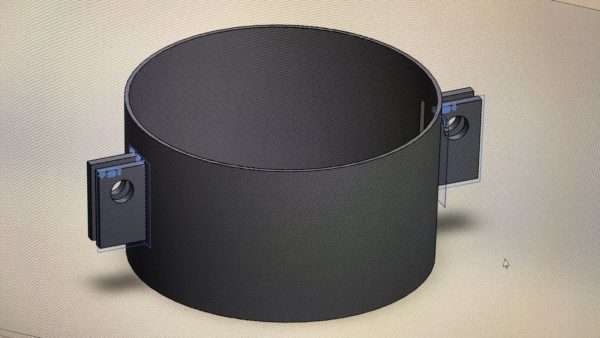
The cardboard turned into a picture that looks like this.
We'll make each part one by one.
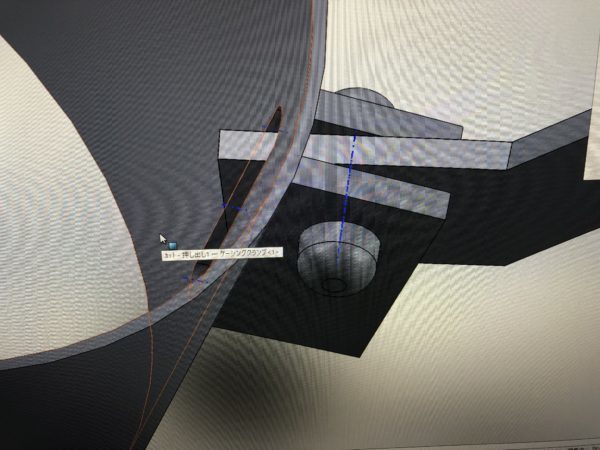
The handle part looks something like this.
I'm taking a picture of the monitor, so the quality isn't great lol
At this stage of the process, we'll convert it into a 2D drawing.
These days, it's incredibly easy to convert and import files from 3D CAD to 2D CAD, so it makes things a lot easier.
Actually, this is a jig for lifting the casing.
Our employees said they wanted to minimize human error as much as possible, so I decided to give this a try.
Without a jig, you might attach the sling incorrectly or the wire might slip.
Before an injury occurs, make a jig to modify the work process so that injuries don't happen.
There's no point in making things like this unless you do it right away, so I made it right away.
They'll bend the flat plate into a circle, and then it's just a matter of welding it together.
Actually, it's already finished, but it still needs a little tweaking, so I'll show it off another day lol.
See you later.