


Hello, everyone.
This is Enta.
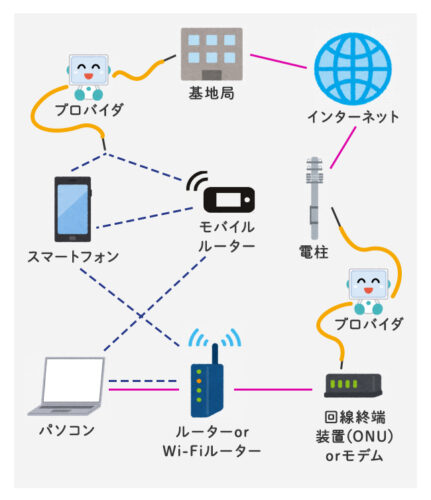
My home internet connection suddenly got worse, so I replaced the wireless router.
Wireless routers and LAN cable switching hubs are consumable items.
It would be fine if I could use it until it breaks, but some kind of strange problem usually shows up first.
It would be easier to understand if it couldn't be used all at once, lol.
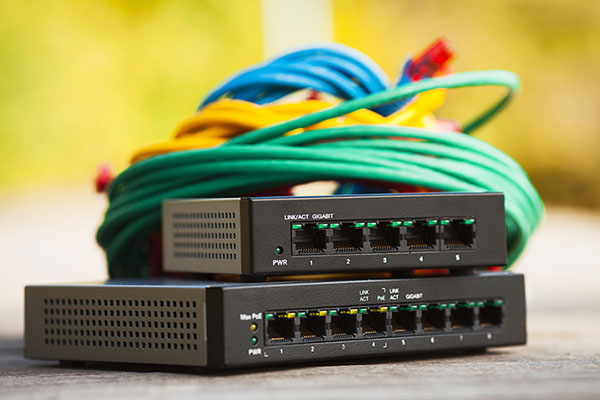
In our case, the connection has become quite unstable—sometimes it works, sometimes it doesn't.
So it took some time to isolate the problem.
First, I replaced the wireless router, and while I was at it, I replaced the LAN cable as well.
Since I was going to replace it anyway, I switched to a Cat 7 LAN cable.
We also upgraded the switching hub to Cat 7 compatibility.
Of course, the same goes for wireless routers.
*Cat 7, Cat 6, and so on are types of LAN cable standards. The higher the number, the more stable the connection.
Since the connection is still unstable, I'll check the devices connected to the fiber-optic line next.
This device, called an ONU, is rented from NTT West, so there's nothing we can do about it.
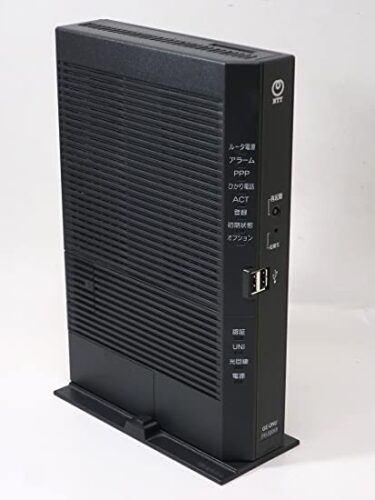
For now, I'll try updating the firmware on this device to see what happens.
Somehow, it seems like it'll be okay...
I decided to just call NTT West for the time being and have them replace it, so I had them do the replacement and then checked the line.
They said that since there were no issues with NTT's line and the ONU had been replaced, everything should be fine.
It turned out the wireless router was broken after all—which was a relief—but it's still unstable!
I've pretty much replaced everything, so I'm not really sure what's what anymore...
We're now at the point where our only options are to inspect or replace the LAN cable inside the wall.
I installed the LAN cables in the walls myself, so I set it up so I can easily replace them at any time.
So, just as I was thinking, "I guess I'll have to replace this part too," I looked over and—!!!
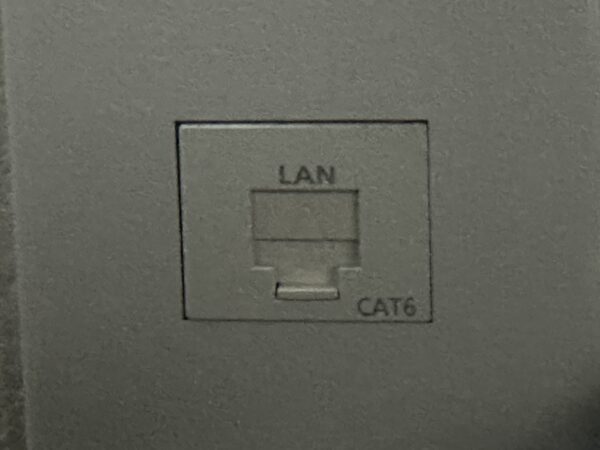
This is it!
It says "Cat 6" in the lower-left corner here!!
It really reeks of the fact that it might not support Cat7, lol.
I switched to Cat 7 thinking it would be faster and more stable overall, but I never realized this was the problem!
That was a blind spot!!
It's highly likely that the LAN modular jack isn't compatible!
It appears that Cat7 is not yet a standard for general use.
Looks like I was a little too early, lol.
So, once I switched all the LAN cables back to Cat 6, the problem was pretty much solved!
I've been dealing with this connection issue since the end of last year, so it's finally resolved... (It took about a month, lol)

This time it had absolutely nothing to do with slopes, but it really made me realize that problems are usually right under our feet!
As the saying goes, “You can’t see what’s right under your nose”—I really can’t see what’s right in front of me.
We routinely perform slope stabilization and anchor installation work.
Even though it may seem like business as usual, there might be a series of small issues building up that could lead to mistakes or accidents.
We should probably focus more on the basics as we go about our daily work.
As long as you have a clear view of what’s right in front of you and a solid foundation, you can go as high as you want.
Let's keep an eye on where we're stepping and stay safe today, too!
See you later.